Phylogenetic trees
Import trees, style branches and labels, and add data tracks. The Tree Builder prepares commands for you to run on your own computer.
Made by academics, for academics.
Open-source lab notebook, sequence builder, data analysis and phylogenetics platform. And so much more.
Free to use on your computer.
The mobile companion, lab cloud services, and optional AI have separate plans. See beta access and pricing.
Lab notebook
Add tables, sequence maps, molecules and phylogenetic trees directly to your write-up. Open the original record from the note when you need to work on it.
Inside the desktop app
Switch between tables, run an analysis, and read BeakerBot’s suggestions.
Research tools
An open-source alternative to SnapGene. Edit sequences, design primers, and plan cloning assemblies.
Style a tree, compare protein domains, and zoom into the figure.
Import trees, style branches and labels, and add data tracks. The Tree Builder prepares commands for you to run on your own computer.
Compare gene regions and protein domains side by side, then add the comparison to a tree or scientific figure.
Export Python for supported analyses, plots and trees. Inspect the code and rerun it outside ResearchOS.
Calculate dilutions, solution recipes and primer melting temperatures without leaving your notebook.
Keep reusable methods with your experiments and run protocols at the bench.
Schedule experiments on a Gantt chart with dependencies and deadlines.
Keep track of supplies and purchases alongside your research.
Keep notes and goals for trainee development and meetings.
BeakerSearch and BeakerBot
Search your notebook and open the matching record. For help running an analysis or working with a paper, ask BeakerBot.
Mobile companion
Scan paper notes into your digital notebook with text that becomes searchable after sync. Review the extracted text, especially for handwriting. Scan inventory barcodes and use lab calculators from your phone.
Mobile pairing requires Premium access, which can be provided through your lab. See pricing for current beta access.
See the mobile companion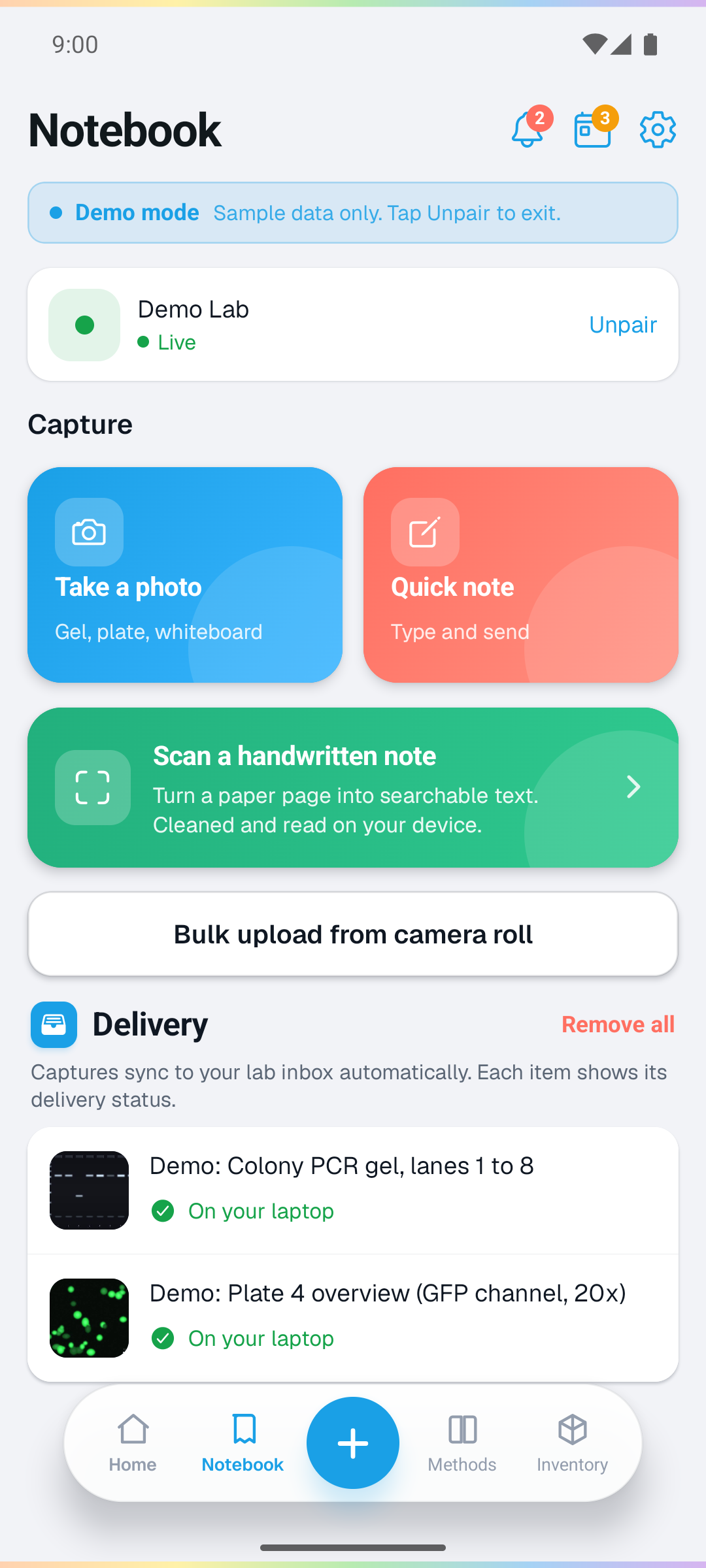
Open source · AGPLv3
Your notebook lives in a folder on your computer. The desktop app is free to use, and the source is open to inspect, adapt and contribute to.
View the source codeOpen science
Browse openly licensed scientific artwork with its source and license.
Browse the libraryRead about local records, exports and sharing research.
Read the guideSee the software ResearchOS uses and the people who built it.
Tools and their creatorsWhy I built ResearchOS
I built ResearchOS because I was frustrated by the limited competition in research software and the prices researchers were expected to pay.
Documenting and analyzing your research should be straightforward. You should be able to store all your data yourself and stay in control of it, without handing that control to a software company.
Grant R. Nickles · Founder, ResearchOS
The local desktop app is free and open source under AGPLv3. Mobile pairing, lab cloud services, and optional AI have separate plans. See the pricing page for current beta access.
Yes. Import a LabArchives Offline Notebook ZIP and map its folders to ResearchOS projects. This is a one-way import, not live two-way sync. Some externally hosted images need a separate recovery step.
In a folder on your computer. Sharing and publishing are separate choices you make. Cloud backup setup is being finalized for the desktop beta, using storage you choose with your provider.
No. You can use the notebook, analysis and research tools without BeakerBot. Hosted AI requests send the messages and context needed for that request to the model provider.
Use the desktop app to write notes, analyze data, and build figures. Use your phone to scan notes, take photos, and update inventory.
ResearchOS for your computer
Free local app. Mac and Windows.
Public downloads are not available yet. You can still explore the recorded demos and documentation.